
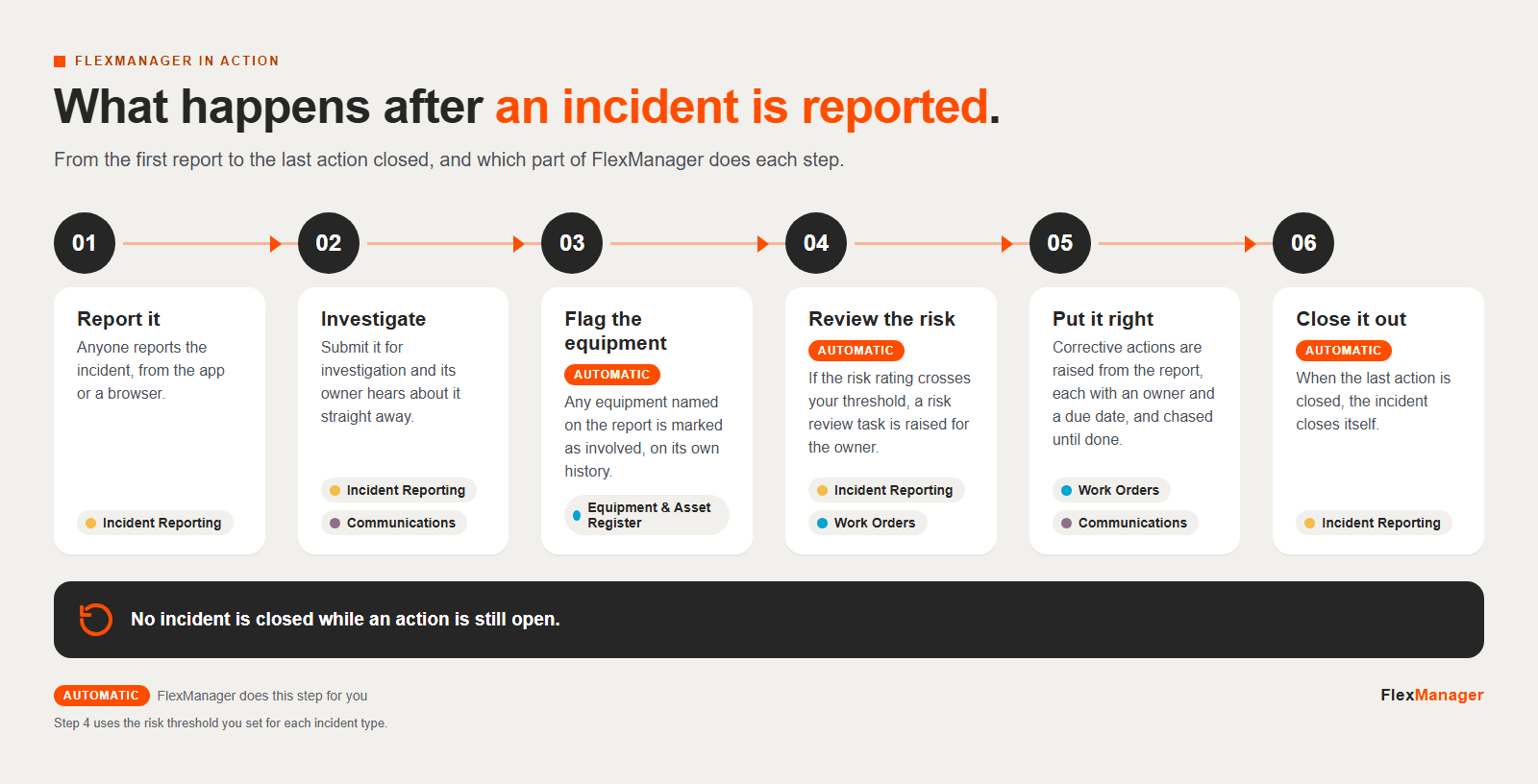
Click the infographic to see it full size.
Text version
- Report it. Anyone reports the incident, from the app or a browser.
- Investigate. Submit it for investigation and its owner hears about it straight away.
- Flag the equipment. Any equipment named on the report is marked as involved, on its own history.
- Review the risk. If the risk rating crosses your threshold, a risk review task is raised for the owner.
- Put it right. Corrective actions are raised from the report, each with an owner and a due date, and chased until done.
- Close it out. When the last action is closed, the incident closes itself.
More infographics.
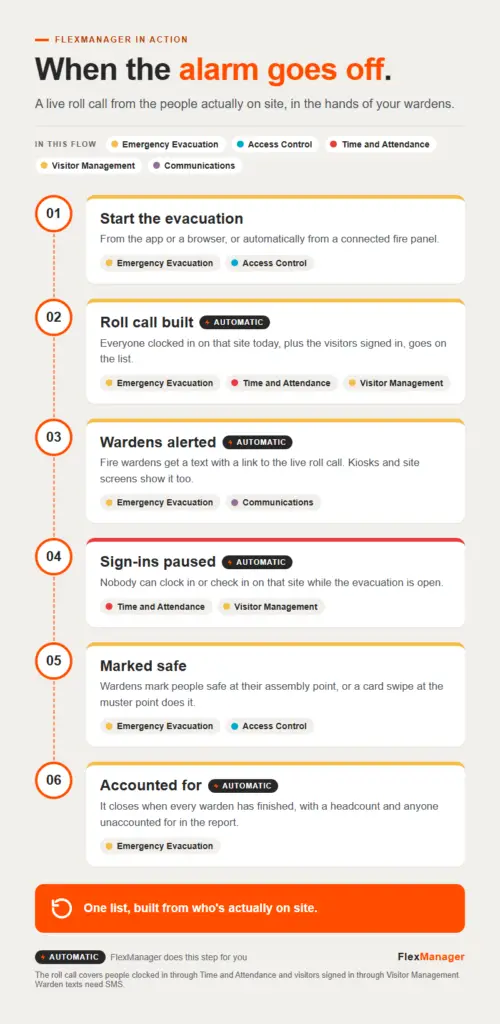 InfographicWhen the alarm goes offAccess Control · Communications · Emergency Evacuation · Time and Attendance · Visitor Management
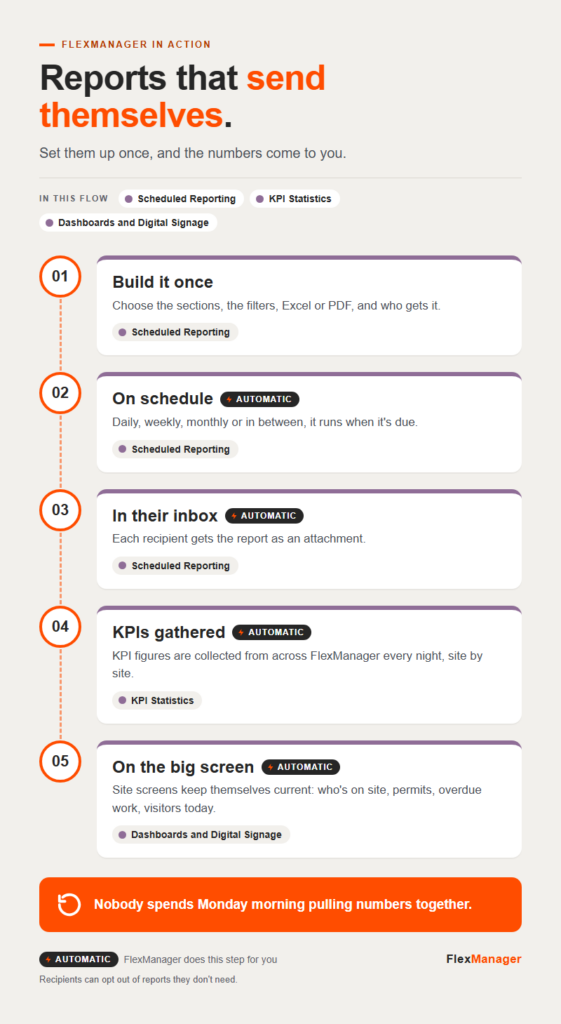 InfographicReports that send themselvesDashboards and Digital Signage · KPI Statistics · Scheduled Reporting
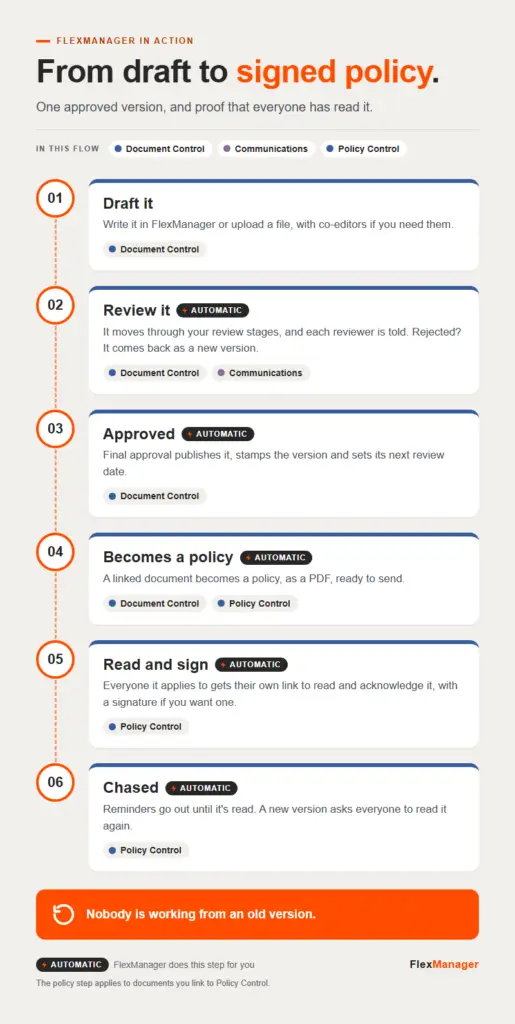 InfographicFrom draft to signed policyCommunications · Document Control · Policy Control