
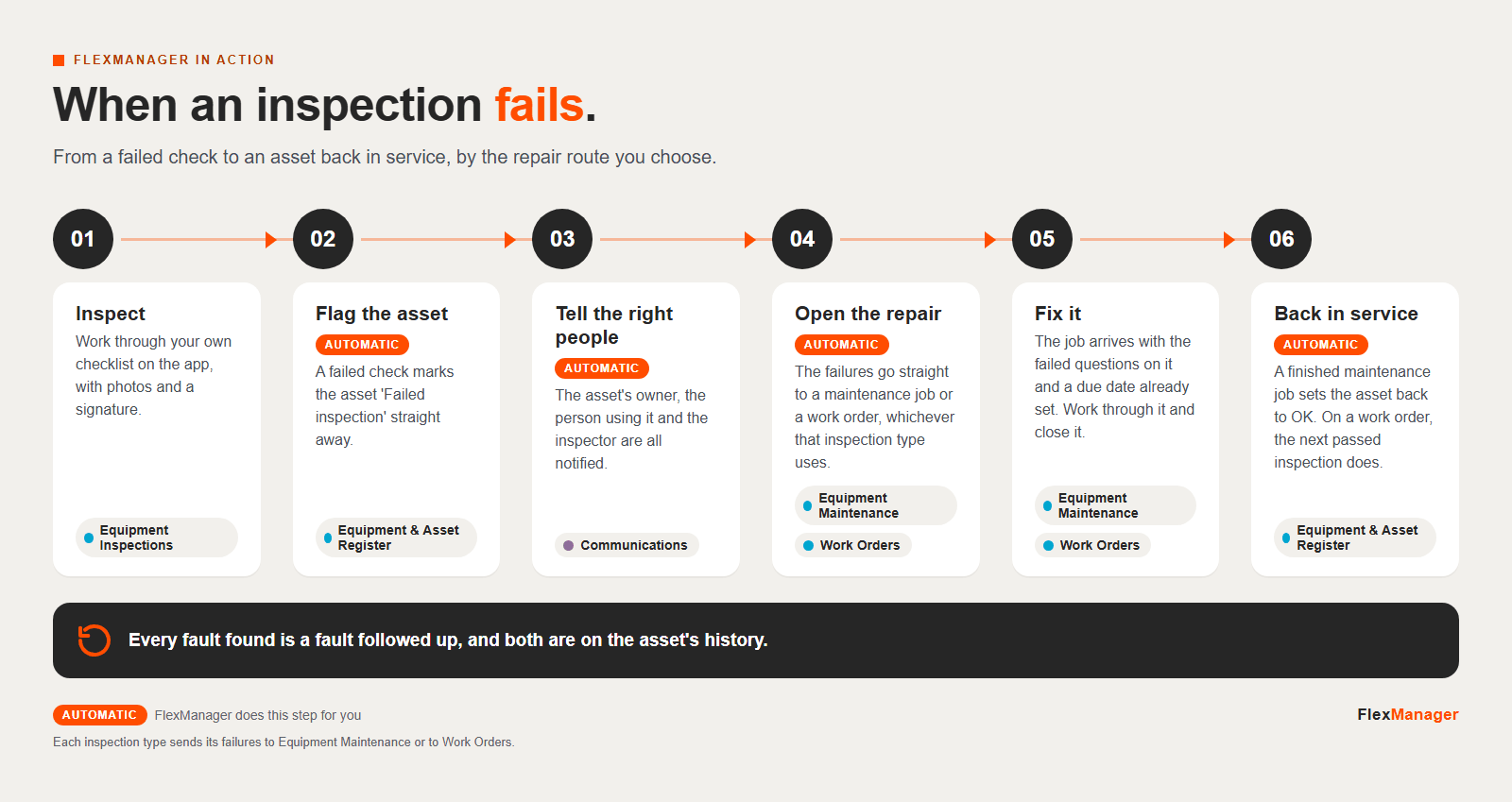
Click the infographic to see it full size.
Text version
- Inspect. Work through your own checklist on the app, with photos and a signature.
- Flag the asset. A failed check marks the asset 'Failed inspection' straight away.
- Tell the right people. The asset's owner, the person using it and the inspector are all notified.
- Open the repair. The failures go straight to a maintenance job or a work order, whichever that inspection type uses.
- Fix it. The job arrives with the failed questions on it and a due date already set. Work through it and close it.
- Back in service. A finished maintenance job sets the asset back to OK. On a work order, the next passed inspection does.
More infographics.
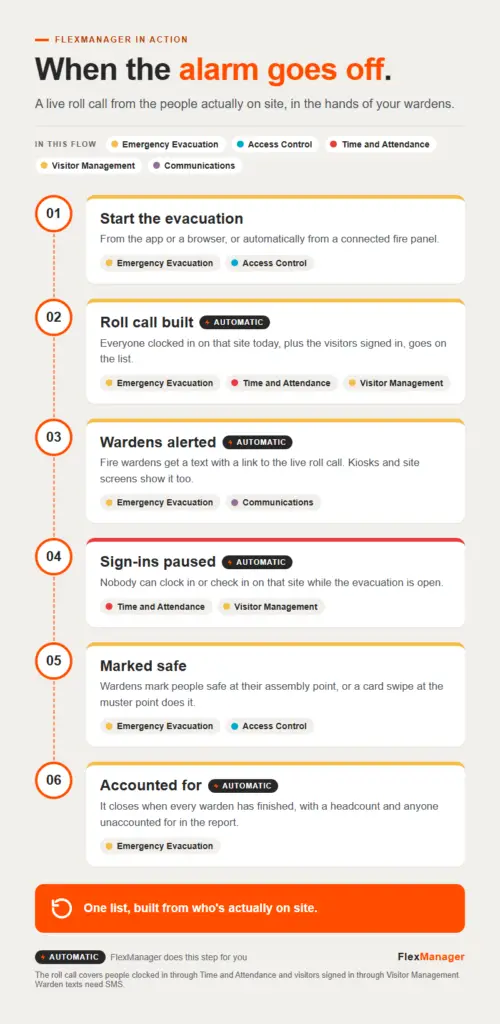 InfographicWhen the alarm goes offAccess Control · Communications · Emergency Evacuation · Time and Attendance · Visitor Management
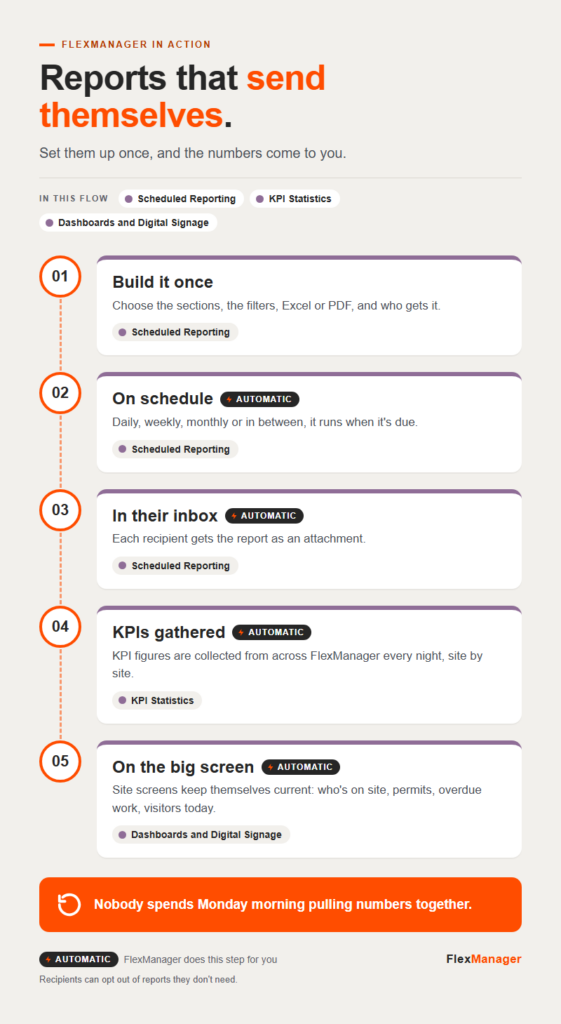 InfographicReports that send themselvesDashboards and Digital Signage · KPI Statistics · Scheduled Reporting
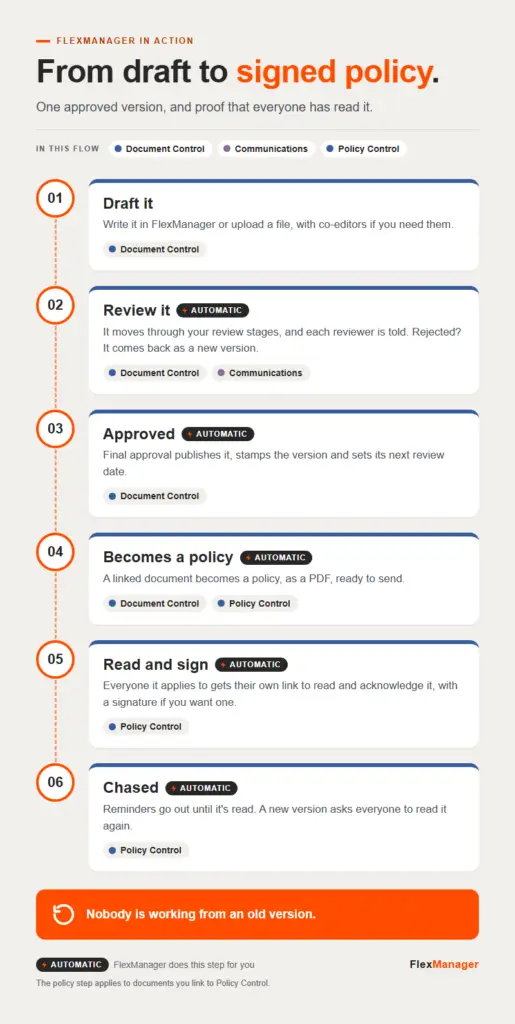 InfographicFrom draft to signed policyCommunications · Document Control · Policy Control