
Know where every asset is, right now.
Fit a tracker, link it to the asset, and FlexManager does the rest: the live map, the daily routes, the mileage and the alerts.
- Live map
- Daily routes
- Geofence alerts
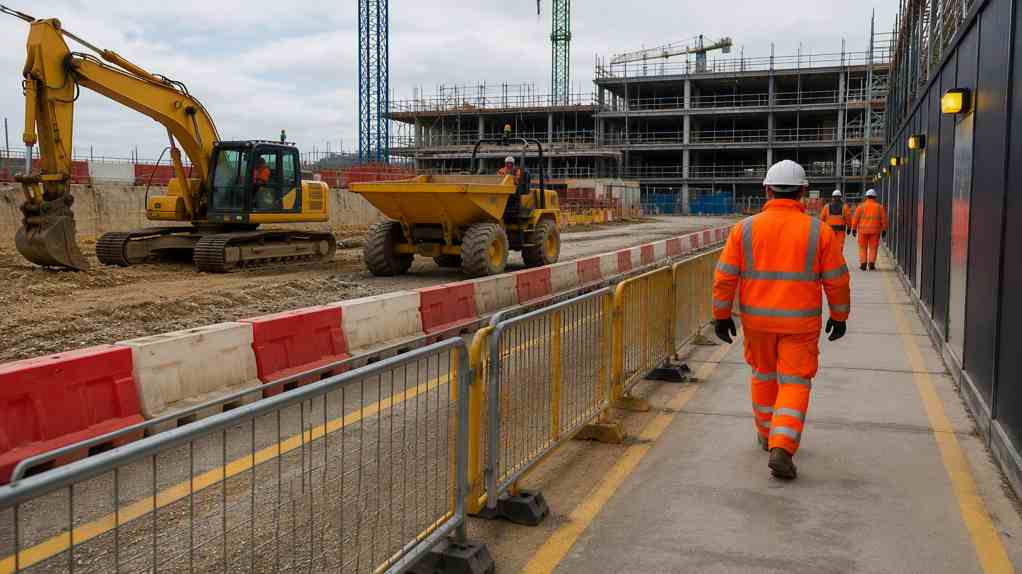
How it works.
- 1
Fit
Fit a GPS tracker to the vehicle, machine or trailer.
- 2
Link
Enter the tracker's IMEI on the asset's record in FlexManager.
- 3
Track
The asset appears on the live map, which refreshes about once a minute.
- 4
Alert
Draw a geofence and the right people are told when it is crossed.
Who uses it.
Fleet and plant managers
See every vehicle and machine on one map, filtered by location, category or status.
Maintenance teams
Mileage comes straight from the tracker, so nobody has to read the odometer.
Site and security managers
Get an alert when an asset leaves its area, or comes back.
What it does.
Everything the tracker reports lands on the asset's own record, next to who it belongs to and where it should be.

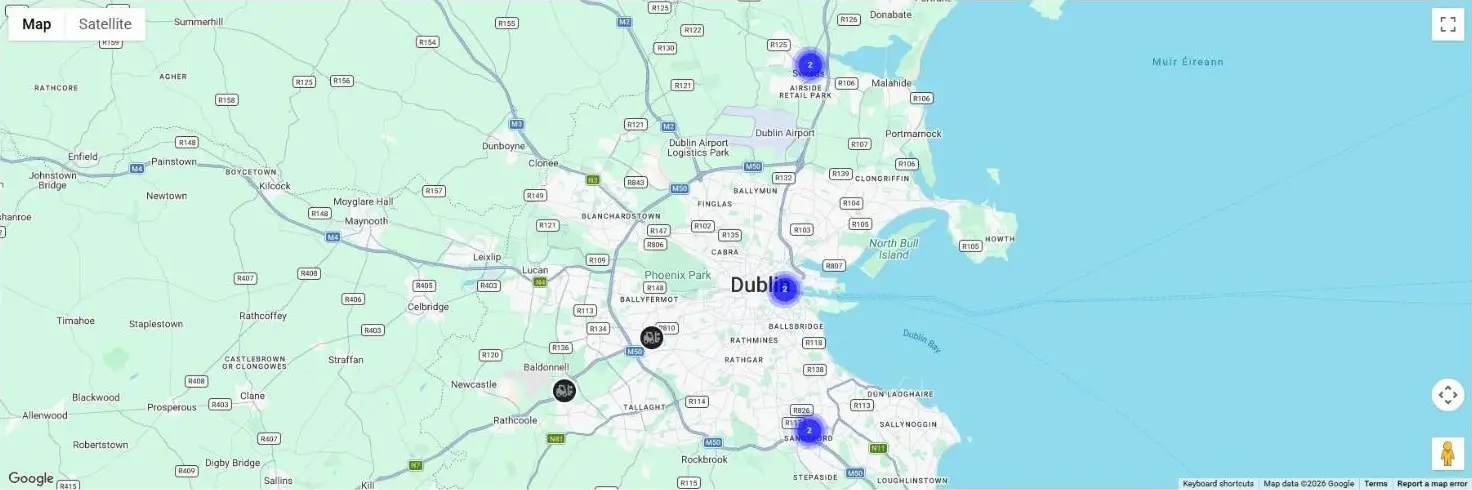
Live map
Every tracked asset on one map, refreshed about once a minute and filtered by location, category and status.
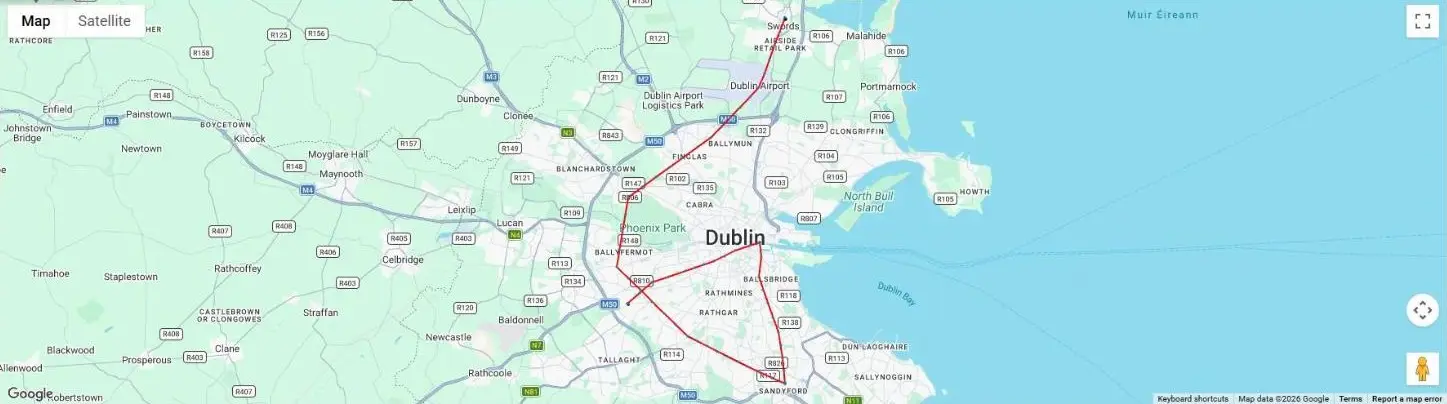
Daily routes
Replay where an asset went on any day, split into trips.
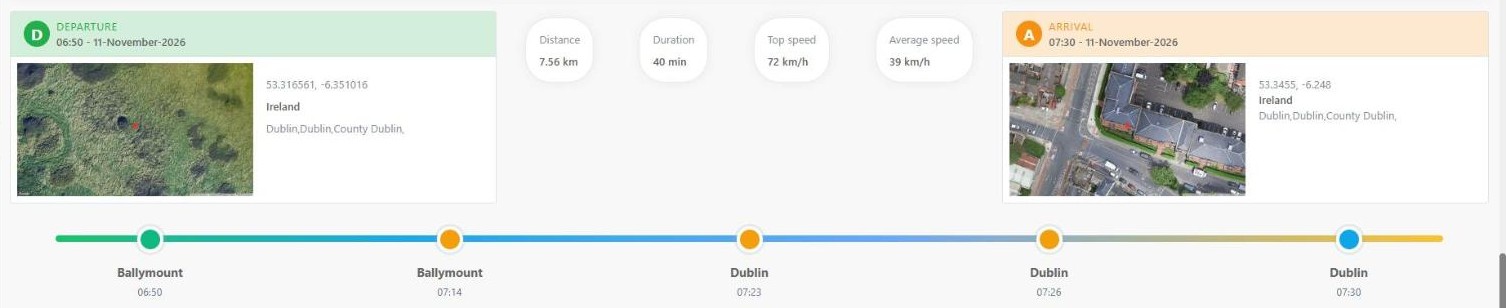
Trip details
Departure and arrival times and places, distance, duration, and top and average speed for each trip.
Geofence alerts
Draw a boundary for one asset or many at once, and the responsible person is alerted when it is crossed.
Automatic odometer
Distance readings from the tracker keep the asset's odometer up to date.
Built for Teltonika trackers
FlexManager reads Teltonika GPS trackers, from our telematics partner.
See it on screen.
What it replaces.
- Phoning round to find out where a machine isEvery asset on one live map
- Mileage read off the dashboard and typed inOdometer readings straight from the tracker
- Finding out days later that a trailer left siteAn alert as soon as it crosses its geofence
Up and running fast.
- 01
Turn on tracking
An administrator switches on Active Tracking for the asset category.
- 02
Fit and link the tracker
Enter the tracker's IMEI on the asset's record.
- 03
Draw a geofence
Optional: one boundary for one asset, or the same one for many at once.
The specs.
- Trackers
- Teltonika GPS trackers
- Live map
- Refreshes about once a minute
- Filters
- Location, category and status
- Trips
- A new trip starts after 30 minutes stationary
- Trip details
- Times, places, distance, duration, top and average speed
- Geofences
- Per asset, or drawn once for many
- Alerts go to
- The responsible person, plus any extra recipients
- Odometer
- Updated from the tracker's distance readings
- Set up
- Tracker IMEI on the asset record
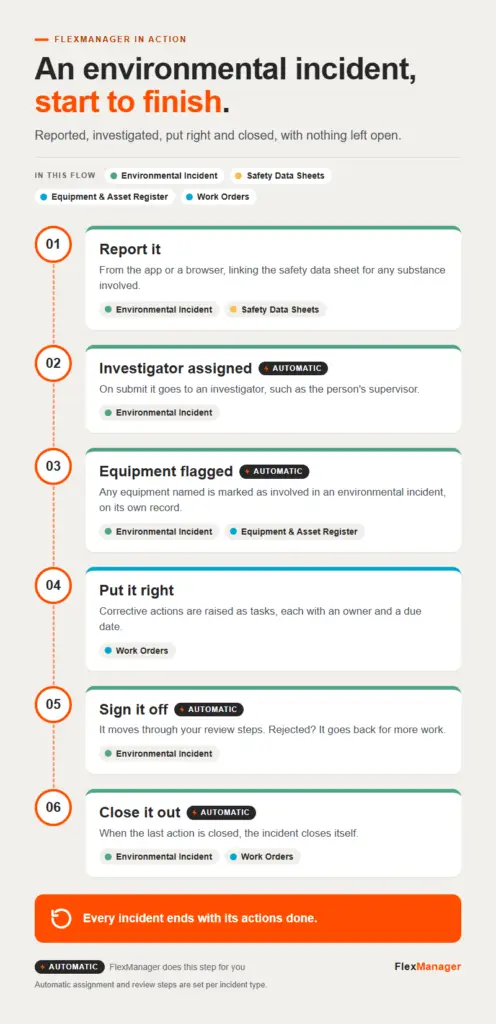 InfographicAn environmental incident, start to finishEnvironmental Incident · Equipment & Asset Register · Safety Data Sheets · Work Orders
 Short · 1:03Asset Management with FlexManager: Scan, Identify, Know Everything InstantlyEquipment & Asset Register
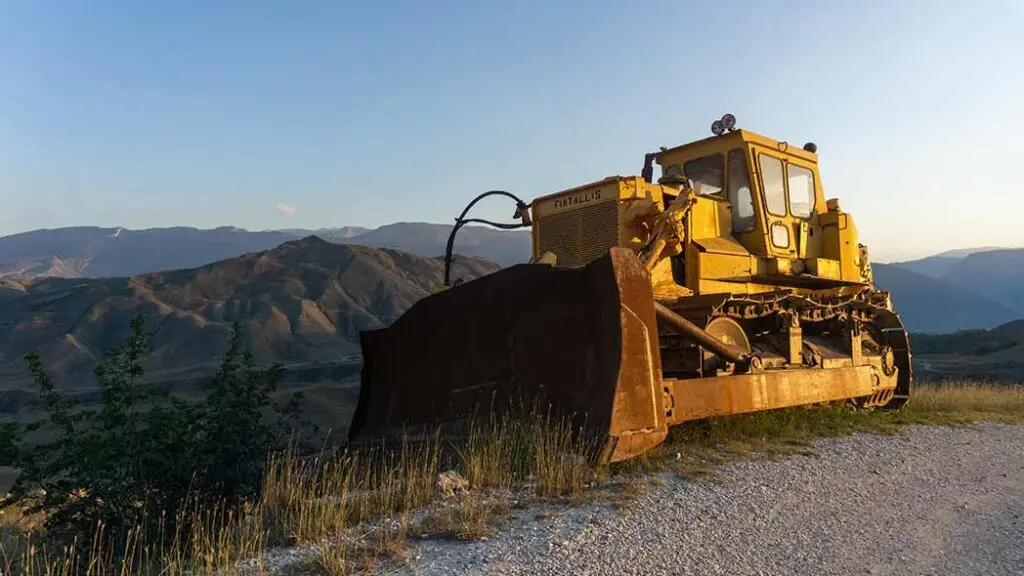 StoryWhat Good Looks Like: Asset Management with FlexManagerEquipment & Asset Register
Questions? Answered.
Which trackers does FlexManager work with?
Teltonika GPS trackers, from our telematics partner. Talk to a FlexPert about the right model for your assets.
Do I need a geofence to see an asset on the map?
No. Any asset with a tracker report appears on the live map. A geofence only adds the alerts.
Who gets the geofence alerts?
The asset's responsible person, plus anyone an administrator adds to the alert.
How often does the map update?
The live map refreshes itself about once a minute.
More ways in.
Field workers
The app on the phone in their pocket, online or off.
Learn more TabletsSupervisors
A bigger screen to review and sign off on site.
Learn more KiosksEveryone at the gate
Staff, visitors and contractors sign in, with no app or login.
Learn more NFC tagsEvery asset, every badge
Tap to open the right check, or to clock in.
Learn more Access controlEvery door and gate
Cards open the doors people are cleared for, and nothing else.
Learn more