
Compliance starts at the gate.
Employees, visitors and contractors complete the most common on-site tasks the moment they arrive, without a personal device, a login, or help from site staff.
- Clock in and out
- QR check-in
- Site inductions
NewFacial verification for clock-ins
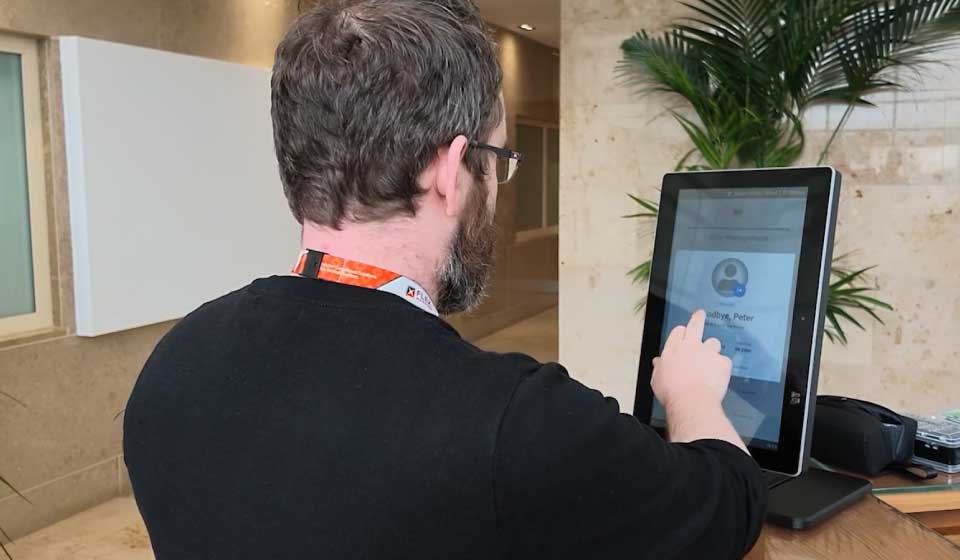
How it works.
- 1
Arrive
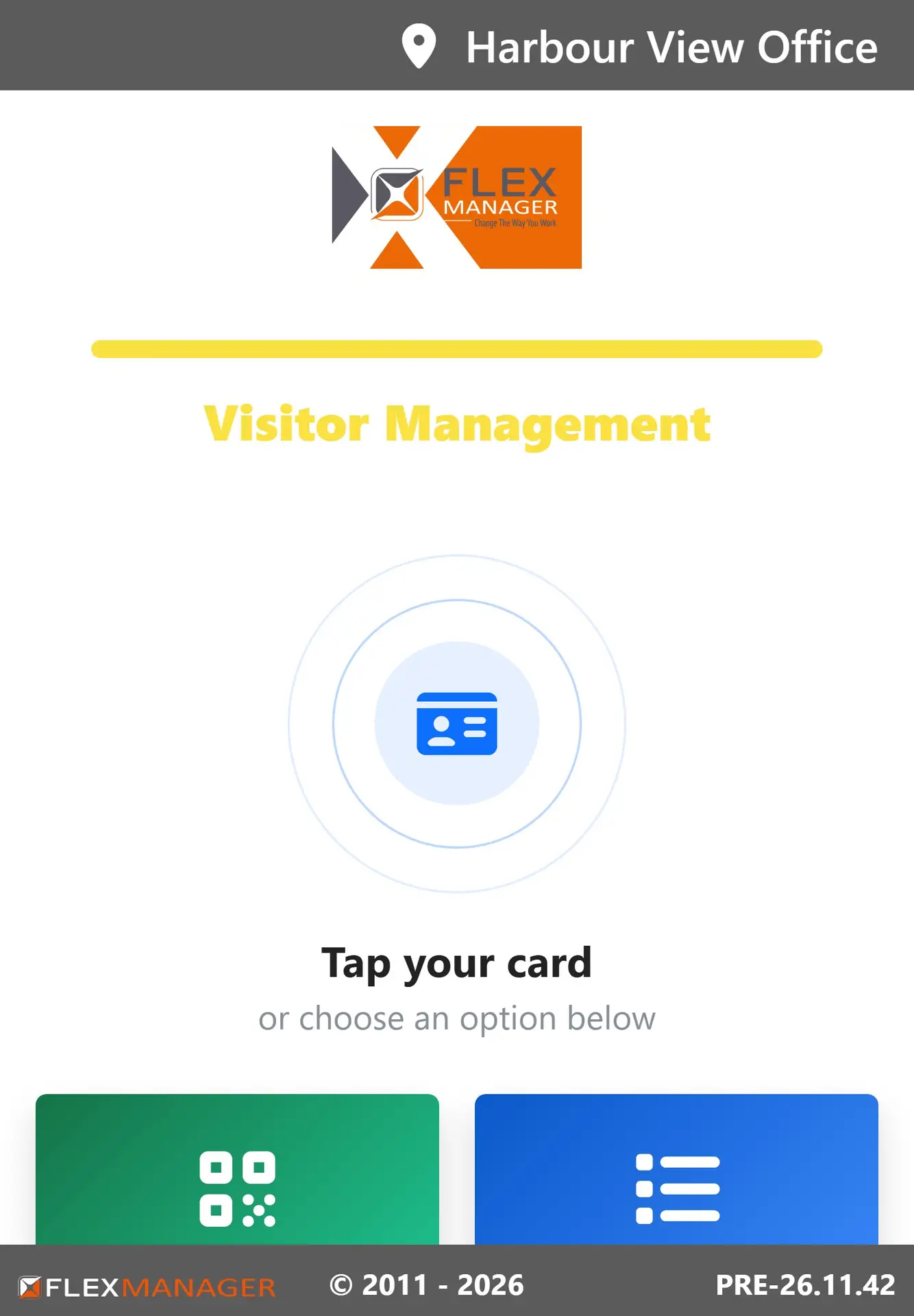
Check in with a card, the QR code from the invite, or by name.
- 2
Induction check
The kiosk looks for an in-date induction for that site and visitor type.
- 3
Do it there
Missing or expired? The induction runs right there on the kiosk.
- 4
Checked in
Only then are they checked in, and their host gets an email.
- 5
Doors open
Door access for the visit, removed again overnight.
Who uses it.
Employees
Clock in and out, with location-based training checked before work starts.
Visitors
Check in with the QR code from their invite, or register on the spot.
Contractors
Complete the site induction at the kiosk before stepping on site.
Hosts and site managers
Hosts get an email when their visitor checks in, and managers see who is on site.
What it does.
Everything people need to do at the gate, in a few taps, without a personal device or a login.
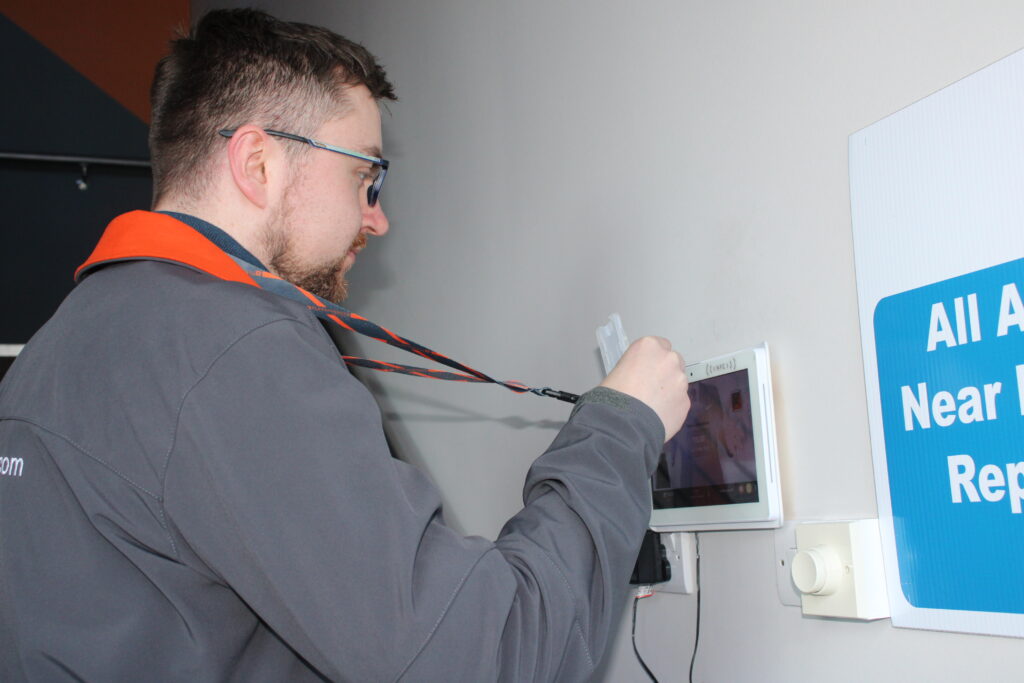
Clock in and out
Arrivals and departures are recorded as they happen.
Training checked at the door
Confirm location-based training requirements before work starts.
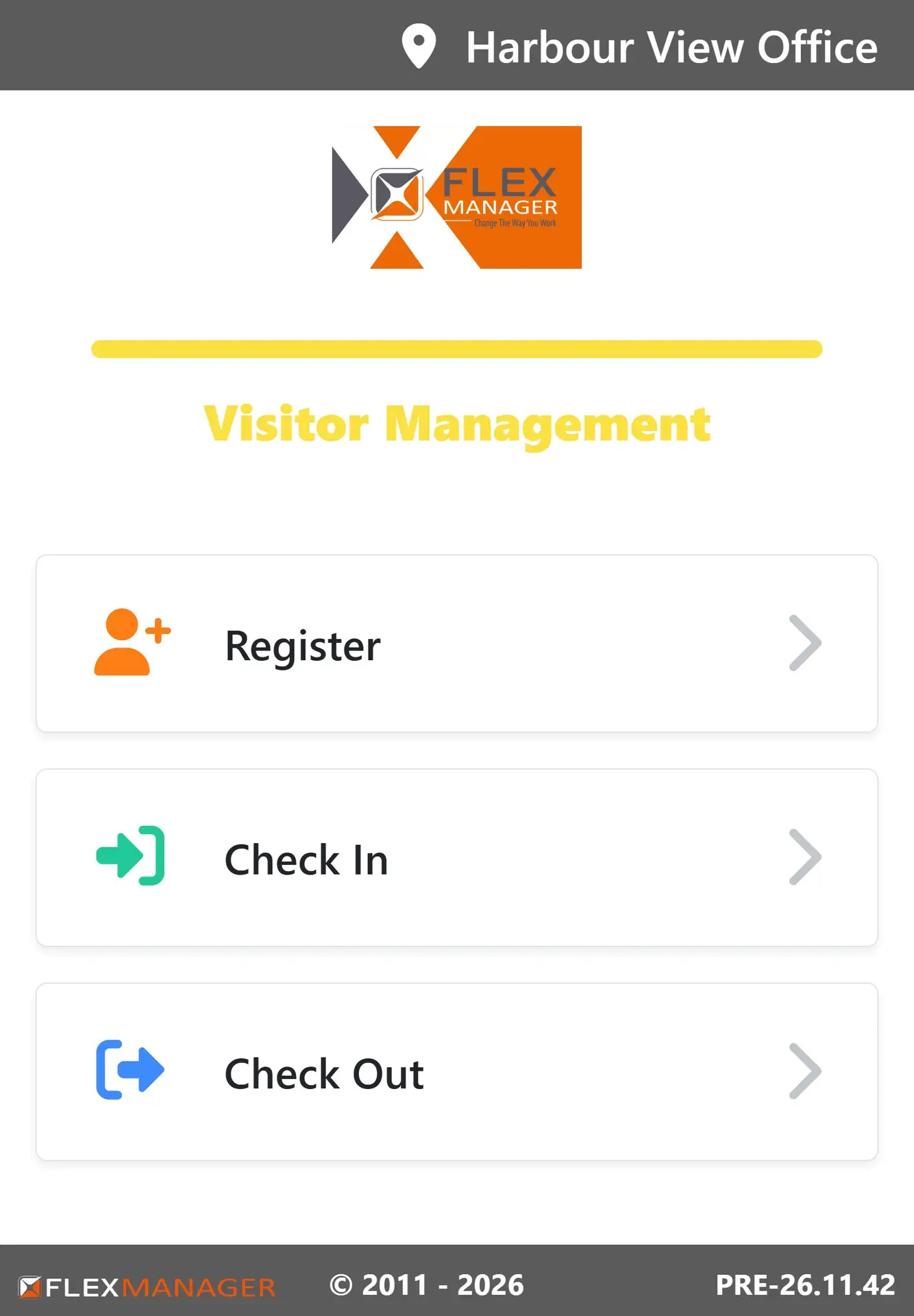
QR check-in
Visitors with a booking check in with the QR code from their invite.
Walk-up registration
No booking? Register on the spot.
Inductions before site
Required inductions are completed at the kiosk before anyone steps on site.
Facial verification
Clock-in photos are compared with each employee's profile picture to catch buddy punching. A licensed add-on, off by default.
Managed remotely
Each kiosk joins with your company PIN, shows in the device list, and can be switched off in one click.
See it on screen.
What it replaces.
- A paper sign-in book nobody checksA live record of who is on site, inducted and trained
- Inductions chased after people arriveInductions done at the kiosk, before check-in
- Reception typing in visitor detailsVisitors register themselves in a few taps
Up and running fast.
- 01
Place the kiosk
At the site entrance or reception.
- 02
Connect it with your PIN
It joins your device list, where it can be switched off in one click.
- 03
Choose what it does
Clock-ins, visitor check-in, inductions and training checks.
The specs.
- Sign in with
- A card, the QR code from the invite, or by name
- Login needed
- None
- Connects to
- Time and Attendance, Visitor Management, Online Orientation, Access Control
- Facial verification
- Optional add-on for clock-ins
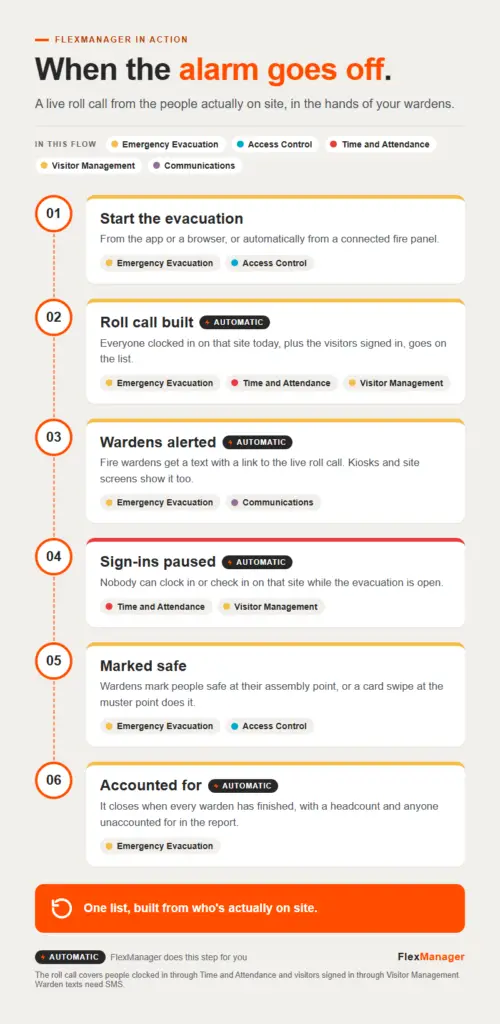 InfographicWhen the alarm goes offAccess Control · Communications · Emergency Evacuation · Time and Attendance · Visitor ManagementShort · 1:11New FlexManager Kiosks Bring Compliance to the Point of WorkOn-Site Orientation · Time and Attendance · Visitor Management
 StoryWhat Good Looks Like: Contractor ManagementSubcontractor Manager · Induction and Orientation Records · Online Orientation
Works with these modules.
Questions? Answered.
Do visitors need an account to use a kiosk?
No. Kiosks are a shared access point at the site entrance, with no personal device or login needed.
What if someone arrives without an induction?
The kiosk checks for an in-date induction for that site. If it's missing or expired, the induction runs there on the kiosk, and they're only checked in once it's done.
Which sites are kiosks suited to?
Construction, manufacturing, logistics and other operational sites where access needs to be fast, simple and consistent.
More ways in.
Field workers
The app on the phone in their pocket, online or off.
Learn more TabletsSupervisors
A bigger screen to review and sign off on site.
Learn more NFC tagsEvery asset, every badge
Tap to open the right check, or to clock in.
Learn more Access controlEvery door and gate
Cards open the doors people are cleared for, and nothing else.
Learn more GPS trackersEvery vehicle and machine
See where it is, where it has been, and when it leaves its area.
Learn more