
Tap the asset. Open the right check.
Give every asset, machine and location its own digital identity. Tap it with a phone to open its record and the right check, with no paperwork and no typing.
- Asset inspections
- Anti-metal options
- No training needed
How it works.
- 1
Tag it
Fix a rugged tag to equipment, machinery, or a location.
- 2
Tap it
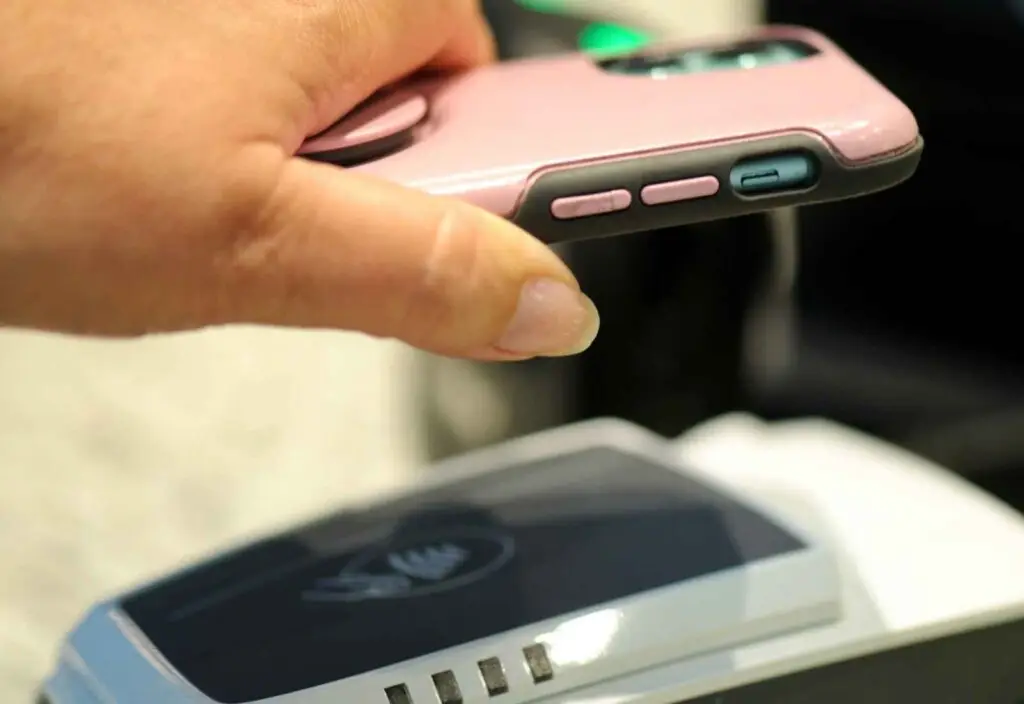
Tap with the FlexManager Plus app to open the right check instantly.
- 3
Prove it
The inspection lands in FlexManager as audit-ready evidence.
Who uses it.
Employees
Tap a card at a kiosk to clock in, building the roll call for an emergency.
Inspectors and operators
Tap a tag on equipment to open its record and the right check.
Asset managers
See when every asset was last checked and what is still outstanding.
What it does.
One tap links the right person, asset or location to the right record, whether it is an equipment check or a team member clocking in.
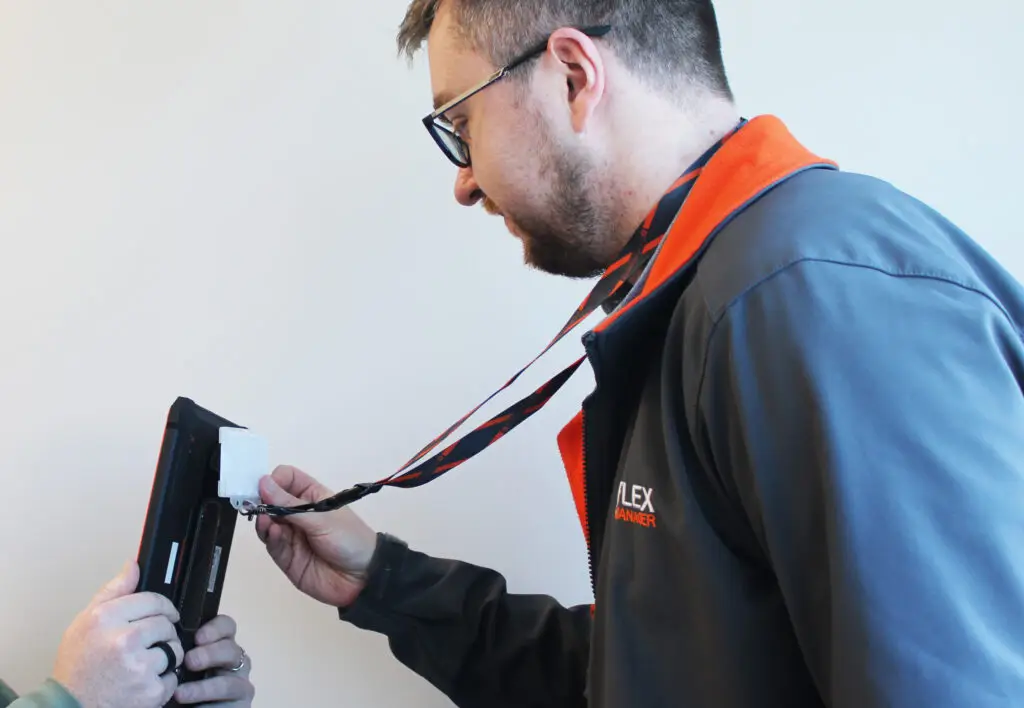
Rugged, inside and out
Built for industrial, construction and field settings, with anti-metal tags for equipment.
Works in the cold
Clients in Canada run outdoor inspections at -25°C.
No signal needed
Reading a tag doesn't rely on an internet connection, so it works where coverage is poor.
Every asset identified
Tap to pull up condition, history and the last inspection date on the spot.
Checks that don't get skipped
Prompt the right check on each piece of equipment, and alert the right people when one is missed.
Documents one tap away
Link manuals and safety procedures to the asset, so the right guidance is at hand.
Clock in with a tap
Staff and contractors tap a card at a kiosk to clock in, building an accurate roll call for an emergency.
Watch: scan, identify, know everything instantly
What it replaces.
- Hunting through paper for an asset's historyIts full history on the phone, in one tap
- Typing in asset numbers by handTap the tag and the right record opens
- Clocking in on a paper timesheetA card tap at the kiosk
The specs.
- Works with
- NFC-enabled iOS and Android phones
- Tag types
- Standard and anti-metal tags, plus staff cards
- Signal needed
- None to read a tag
- Temperature
- In use outdoors at -25°C
- IDs
- Unique, linked to your own records
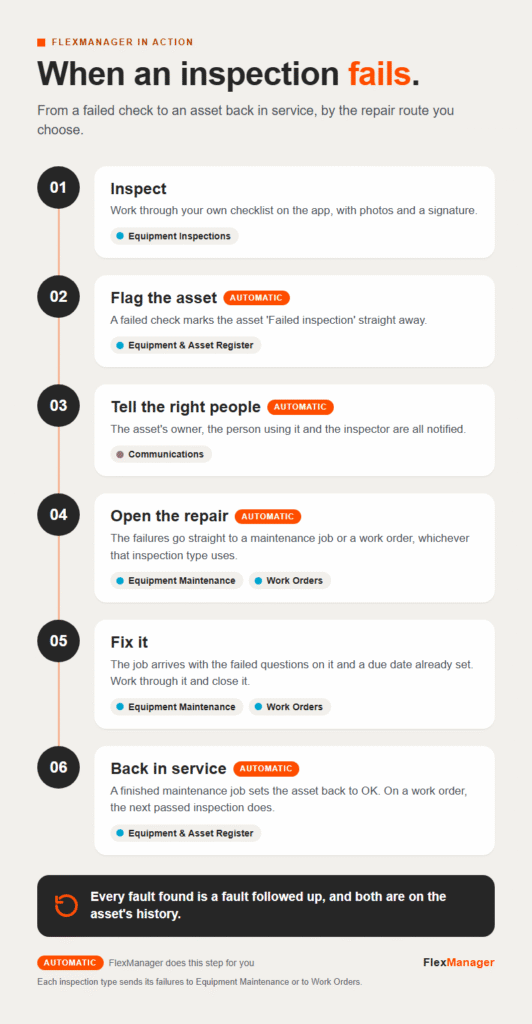 InfographicWhen an inspection failsWork Orders · Communications · Equipment & Asset Register · Equipment Inspections · Equipment Maintenance
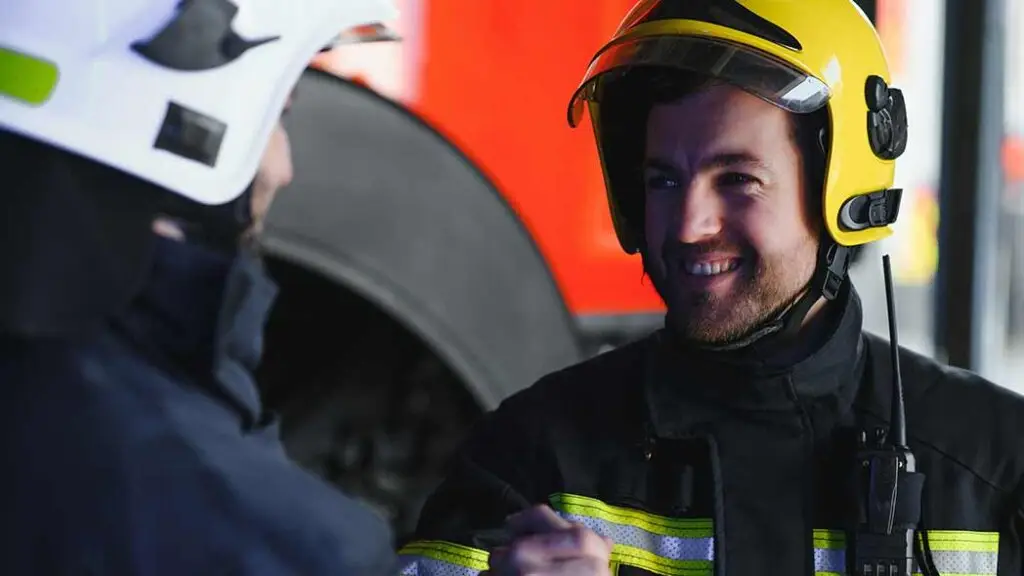 StoryWhy do Fire Services Choose FlexManager: Client InsightsEquipment & Asset Register · Equipment Inspections · Equipment Maintenance
 Conversation · 3:54CombiLiftEquipment & Asset Register · Equipment Inspections · Equipment Maintenance
Works with these modules.
A benefit that is consistently mentioned is that they operate at extreme temperatures. With our clients in Canada, even at -25°C, someone can conduct an inspection outdoors.
Questions? Answered.
Do NFC tags work on metal equipment?
Yes. Rugged tags, including anti-metal options, are built for industrial and construction sites.
Do NFC tags need a signal?
No. Reading a tag doesn't rely on an internet connection, and the app keeps the check until the connection returns.
Do they work in extreme cold?
Yes. Clients in Canada carry out outdoor inspections at -25°C.
More ways in.
Field workers
The app on the phone in their pocket, online or off.
Learn more TabletsSupervisors
A bigger screen to review and sign off on site.
Learn more KiosksEveryone at the gate
Staff, visitors and contractors sign in, with no app or login.
Learn more Access controlEvery door and gate
Cards open the doors people are cleared for, and nothing else.
Learn more GPS trackersEvery vehicle and machine
See where it is, where it has been, and when it leaves its area.
Learn more