
Built for the field. Works when the signal drops.
A native iOS and Android app, built from the ground up for mobile and maintained in-house, so field teams capture the work as it happens and managers see it on the desktop straight away.
- Works offline
- Photos and signatures
- Push alerts

Who uses it.
Field workers
Log observations, complete checklists and add photos and signatures on site, even with no signal.
Supervisors
Get push alerts, assign actions and follow them up from wherever they are.
Managers
See every record on the desktop as soon as it syncs, in dashboards and reports.
What it does.
Everything a field team needs in their pocket, on any iOS or Android phone, with or without a signal.
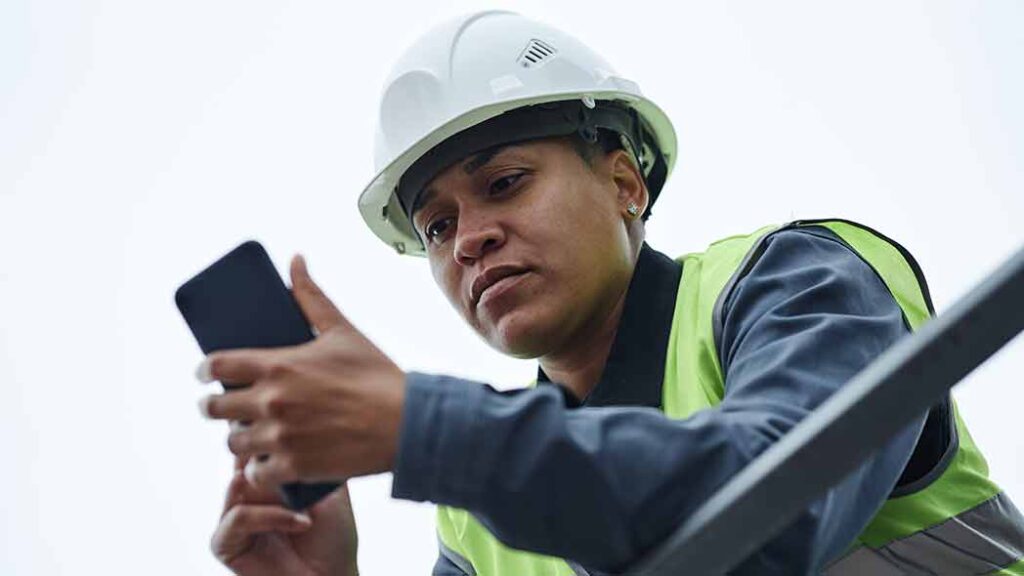
Works offline
No signal in a plant room, on a ship's deck, or at a remote site? Records are saved on the device and sync once the connection returns.
Native, not a web app
Built for iOS and Android and maintained in-house, so it loads instantly and handles photos, signatures and documents without lag.
Push alerts
Alerts and reminders reach people in real time, instead of waiting for someone to check their email.
Mobile to desktop
Submit a form, audit or incident on site and it appears on the desktop dashboard straight away. Start in the field, finish in the office.
Rugged phones
Need a device that survives the site, or would rather staff kept their own phones out of it? Our rugged phone (IP68/IP69K, glove mode, built-in NFC) runs the app.
Every device managed
One admin page shows each phone's health, sign-ins and uploads. Wipe or switch off a lost phone remotely.
What it replaces.
- Paper forms typed up at the end of the weekRecords captured on site, on the desktop as soon as they sync
- Reports lost when there is no signalSaved on the phone and sent when the connection returns
- Chasing people by emailPush alerts and reminders on their phone
Up and running fast.
- 01
Download the app
From the App Store or Google Play.
- 02
Connect with your company PIN
Each phone gets its own connection key and appears in your device list.
- 03
Start capturing
The forms and checklists set up for your sites are ready to use.
The specs.
- Platforms
- Native iOS and Android app
- Without a signal
- Saves on the device, syncs on reconnect
- Capture
- Photos, signatures and documents
- Alerts
- Push notifications
- Lost phones
- Remote wipe and switch-off
- Rugged option
- IP68/IP69K, MIL-STD-810H, glove mode, built-in NFC, thermal camera
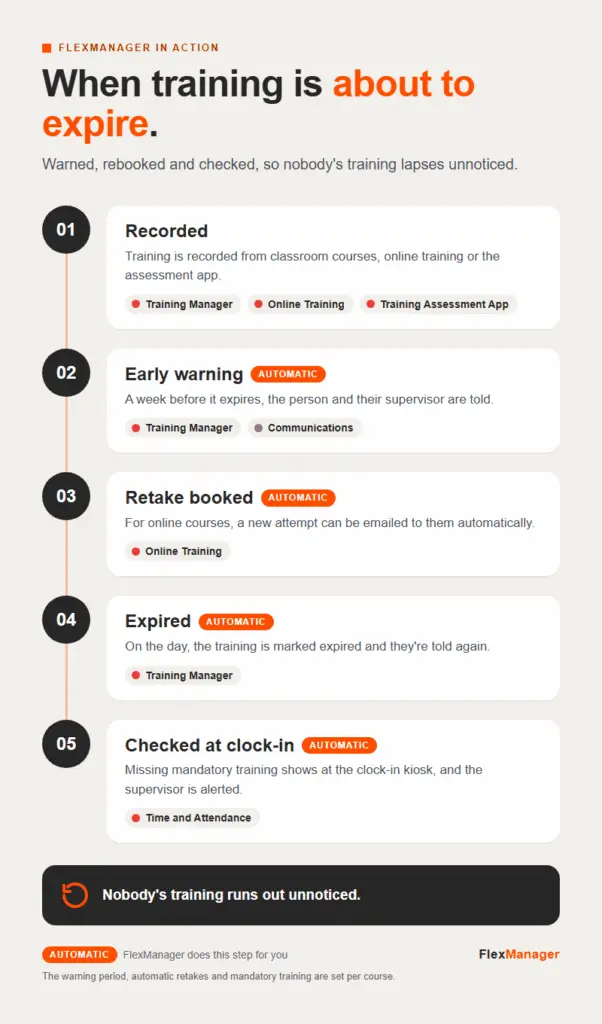 InfographicWhen training is about to expireCommunications · Online Training · Time and Attendance · Training Assessment App · Training Manager
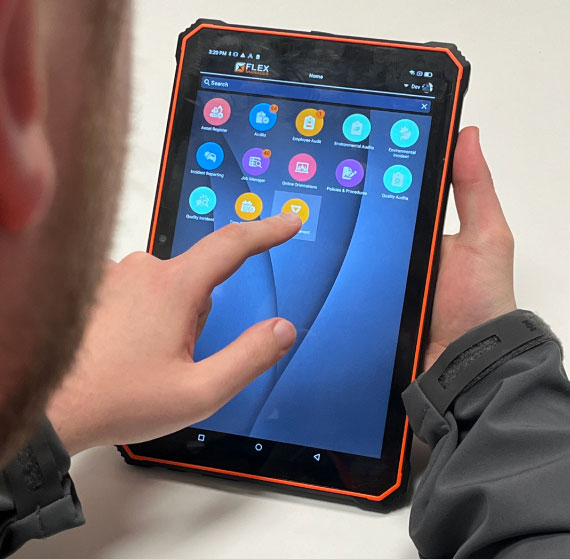 Deep Dive · 8:19Android App UpdateConnected Mobile Device Management
 StoryGamechangers: How a Native App can Help Drive OrganisationsConnected Mobile Device Management
Works with these modules.
Questions? Answered.
Does the app work without a signal?
Yes. The FlexManager Plus app lets your teams log observations, complete checklists, and capture photos and signatures, even when the signal drops.
Do staff have to use their own phones?
No. Staff can use their own iOS or Android phone, or a rugged FlexManager phone or tablet built for harsh sites.
What happens if a phone is lost?
An admin can wipe or switch it off remotely from Connected Mobile Device Management, and every device keeps an activity trail.
More ways in.
Supervisors
A bigger screen to review and sign off on site.
Learn more KiosksEveryone at the gate
Staff, visitors and contractors sign in, with no app or login.
Learn more NFC tagsEvery asset, every badge
Tap to open the right check, or to clock in.
Learn more Access controlEvery door and gate
Cards open the doors people are cleared for, and nothing else.
Learn more GPS trackersEvery vehicle and machine
See where it is, where it has been, and when it leaves its area.
Learn more